Design around one-handed use
A mobile screen has limited room and a changing environment. Prioritize the next action, readable text, safe areas, and controls that can be reached and distinguished. Use the target platform’s native navigation and accessibility conventions when implementing a specimen.
Match the screen to the situation
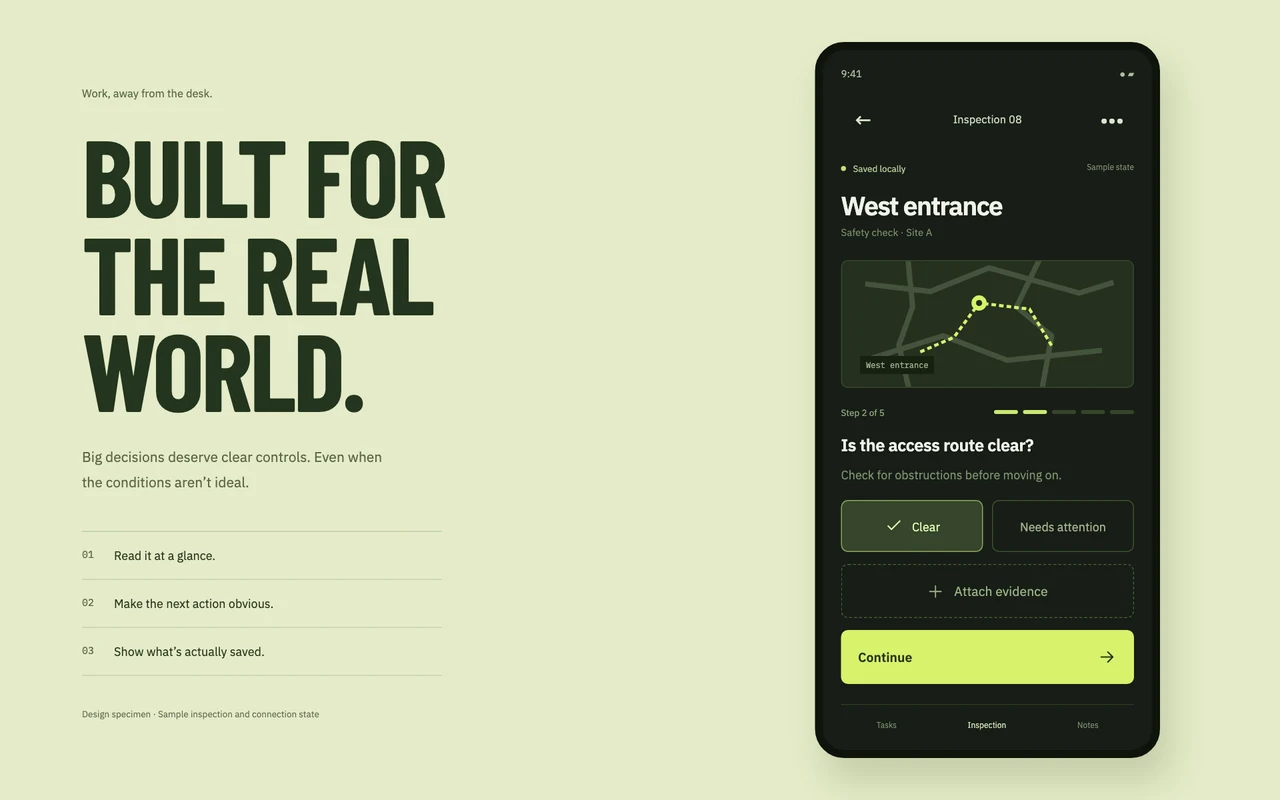
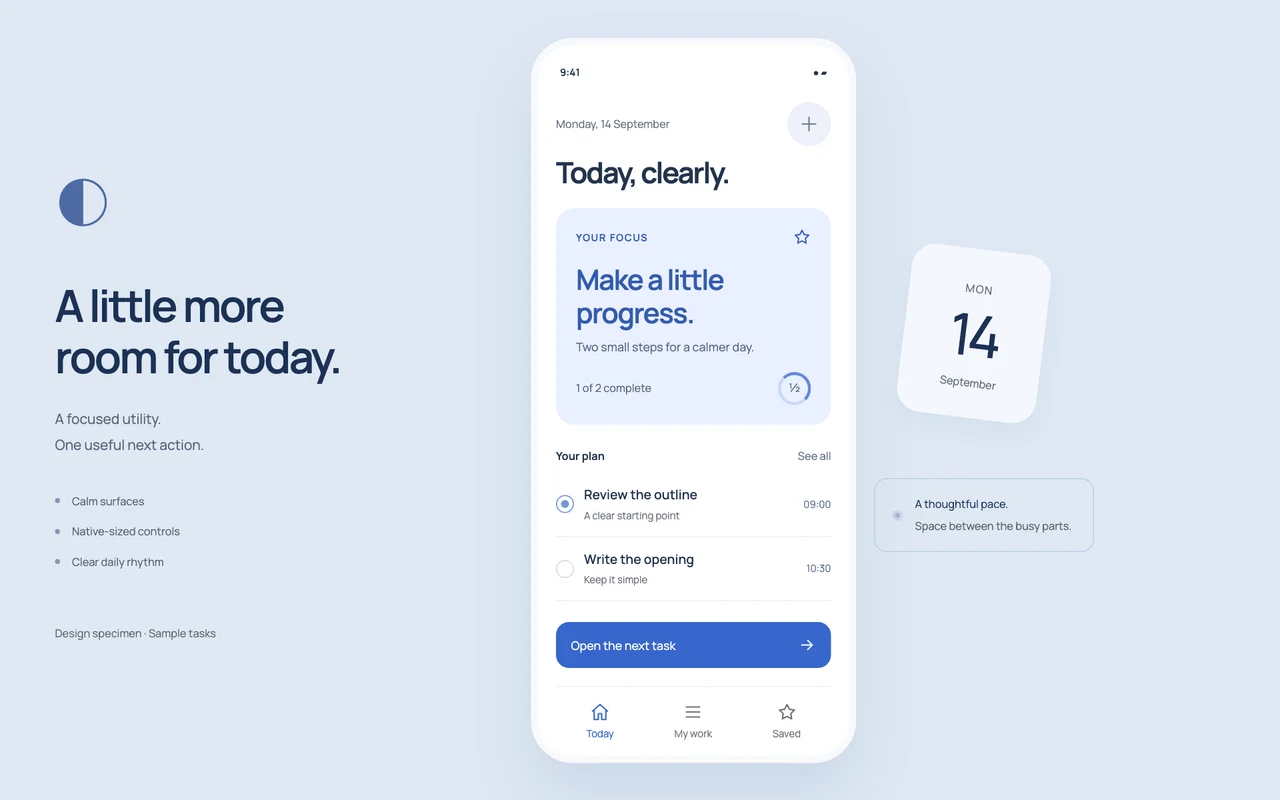
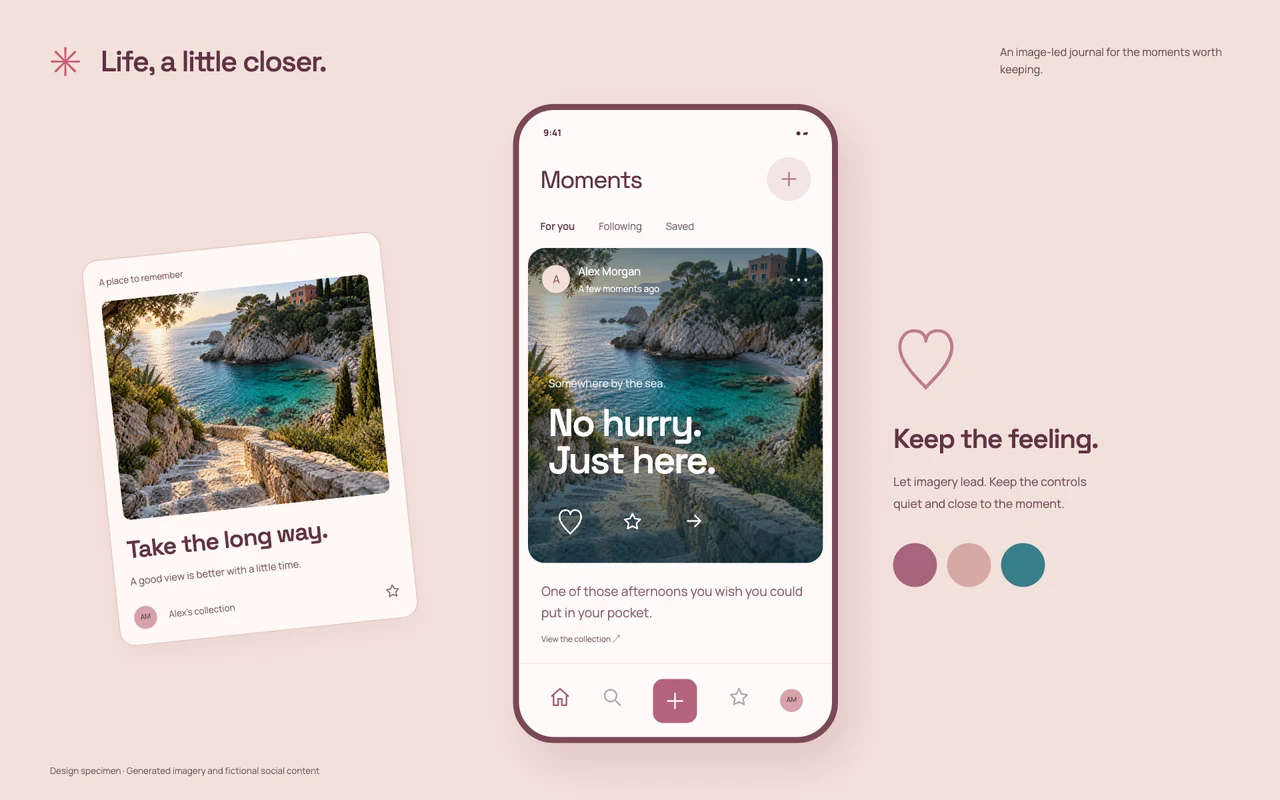
Pocket Utility emphasizes a focused daily task with calm surfaces. Social Canvas gives a photo and personal story more room. Field Companion uses strong contrast and larger actions for an inspection workflow. An image-first journal and an outdoor task screen should not share the same information hierarchy.
Treat the phone specimen as guidance
The package contains design instructions, tokens, and a static HTML specimen. It is not a packaged native app. Recreate the intended behavior in your chosen mobile framework, test larger text and narrow devices, and verify loading, offline, validation, and recovery states where the app needs them.