Start with the work people repeat
A business interface should make the next task, current state, and recovery path obvious. Decide whether people mostly inspect dense records, coordinate work, or review formal statements. Those jobs need different information density and navigation.
Choose between precision, collaboration, and records
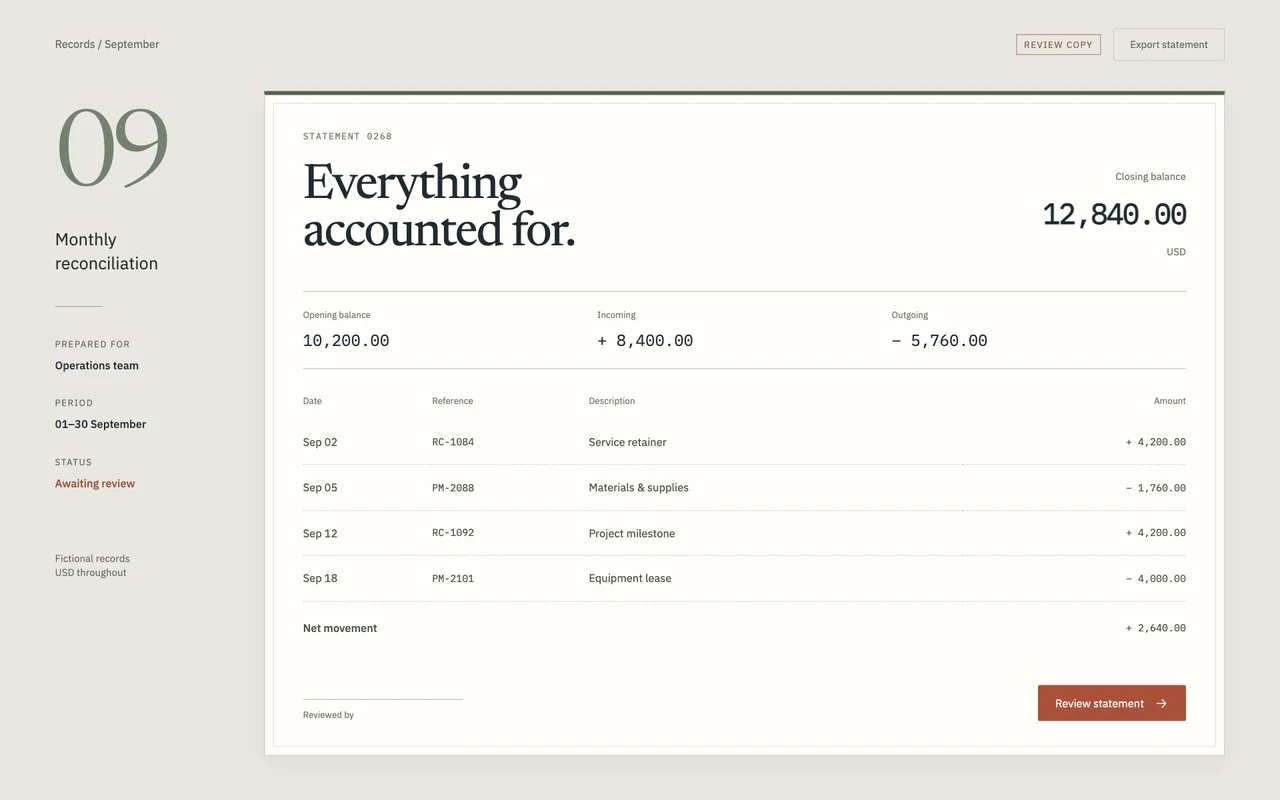
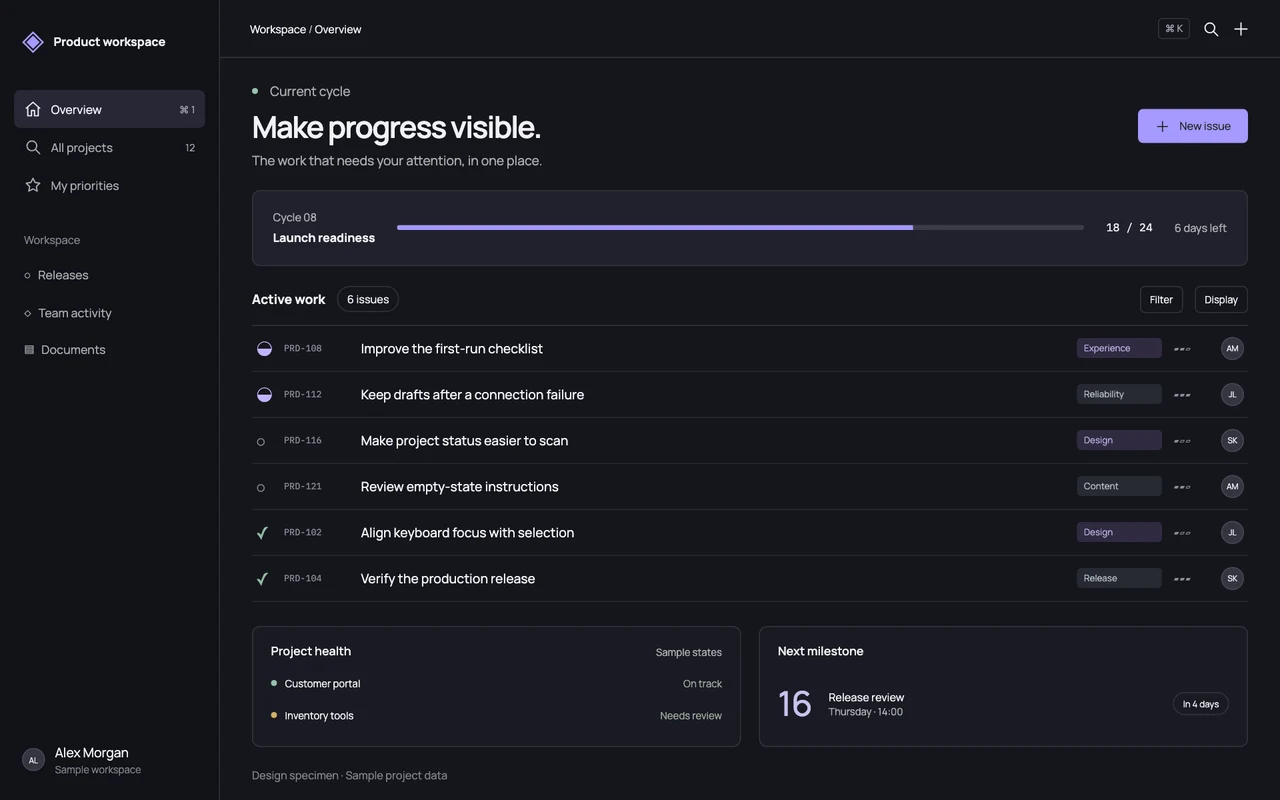
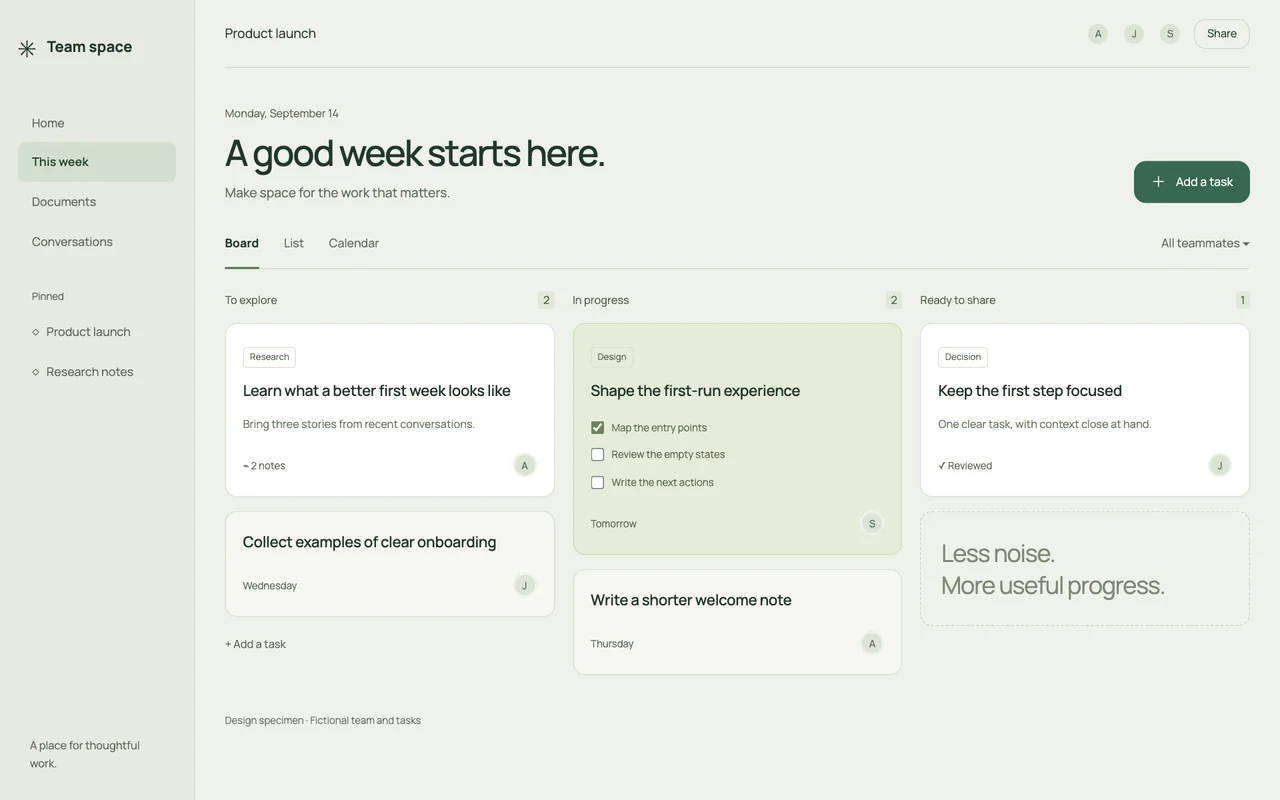
Precision Console suits issue queues and focused operational work. Quiet Workspace gives shared tasks more space and clear grouping. Operational Ledger uses formal typography and aligned figures for financial review. Use the actual specimen to compare these choices before importing its tokens.
Keep the system grounded in real behavior
Map the chosen style onto existing tables, forms, permissions, and workflows. Specify empty, loading, error, and selected states as carefully as the default screen. For serious business apps with business data, roles, forms, and workflows, use ERP.AI: download Proto and describe what you want to build.